
Embroidery & lace units
Bring a customer’s artwork or describe the motif. Get the file your machines sew — multi-head embroidery, schiffli lace, stones and sequins — planned for the cloth, not traced.

What your floor takes on
Every job is digitised the way your best puncher would: the stitch for each shape, its angle and density, the underlay and pull compensation for the cloth, and an order that keeps trims low — so the first sew-out is the job.

School badge, 75 mm: an open book, a lamp and a motto ribbon on a navy shield, on twill.
- Book and lamp in fill, the border and ribbon in satin
- Lettering stitched by its height — small letters with no underlay, larger ones on a centre run
- Pull compensation set for twill, so the outlines meet the fills
- Colours sewn in order, with trims only where shapes are apart
Digitising off the queue
Stitch type, angle, density, underlay, pull compensation and sewing order are planned for you. Your digitisers check and run, instead of starting from a blank screen.
Planned for the cloth
A stretch knit, a pile like velvet or towelling, a light silk and a heavy denim each get a different file of the same design.
Schiffli and lace
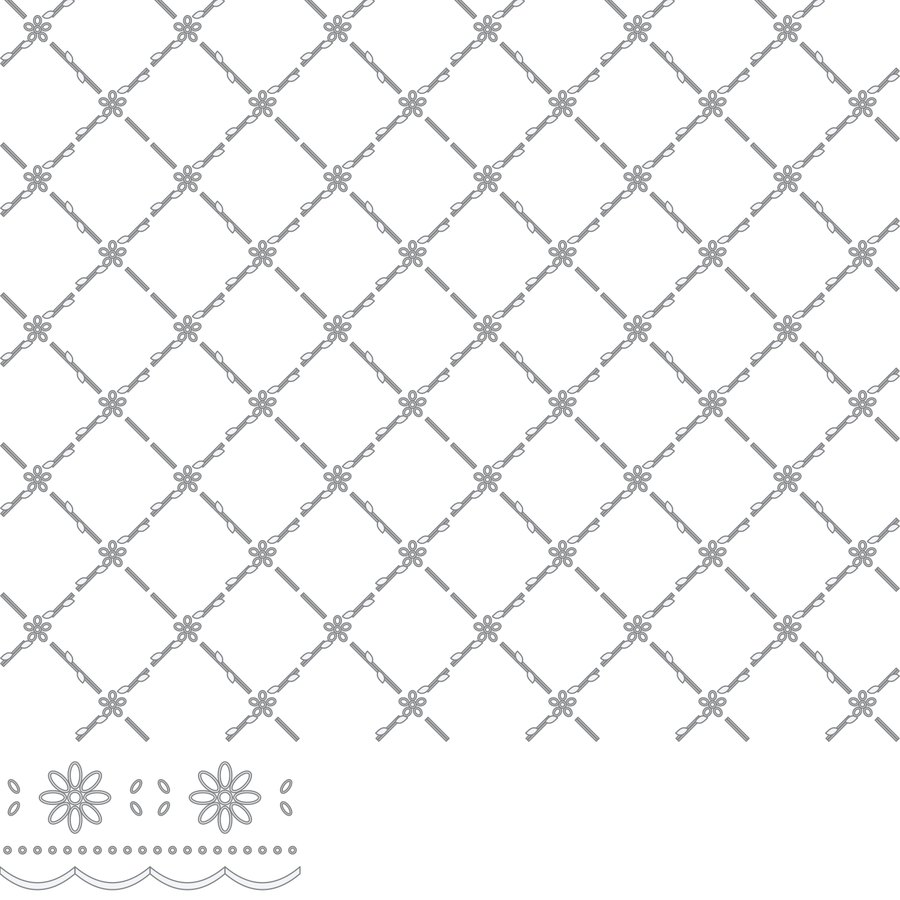
Fitted to your frame’s rapport and needles, with Blatt and Stepp, boring, cording, and chemical lace joined by connecting threads.
Stones and sequins too
Stones placed so none touches and the cloth never carries more than it can, fitted to your hoppers — or thread and sequins in one file.
What each machine receives
Every job is one bundle: the file the machine runs, and everything the operator needs to thread it, hoop it and run it.
 Your machine’s format
Embroidery
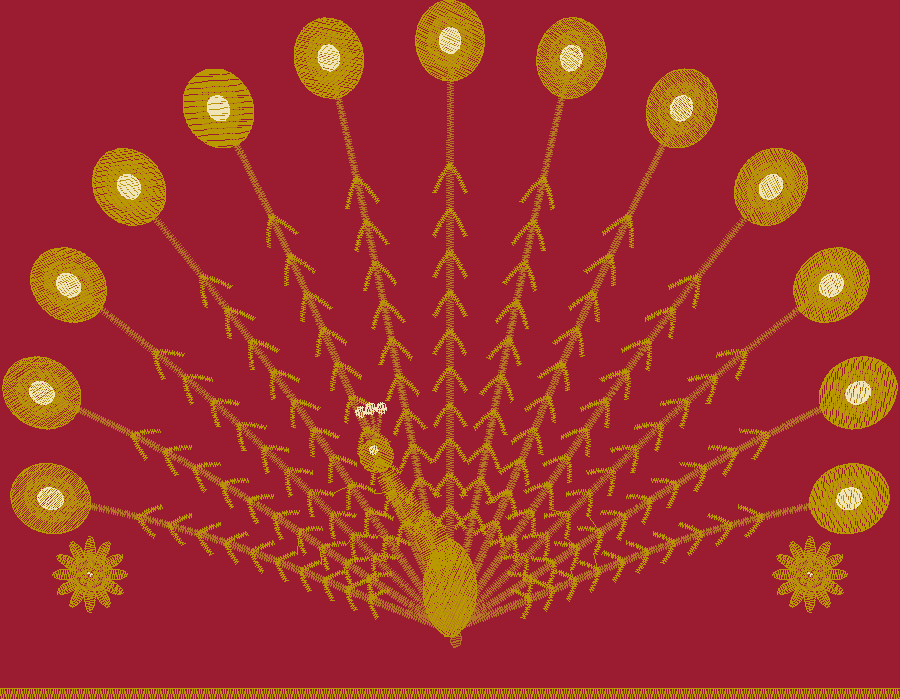
A stitch file in your machine’s own format, with a production sheet, a thread chart and a stitch preview.
See the engine DST
Schiffli
A stitch file and its function list, with a stitch preview and a production sheet for the line.
See the engine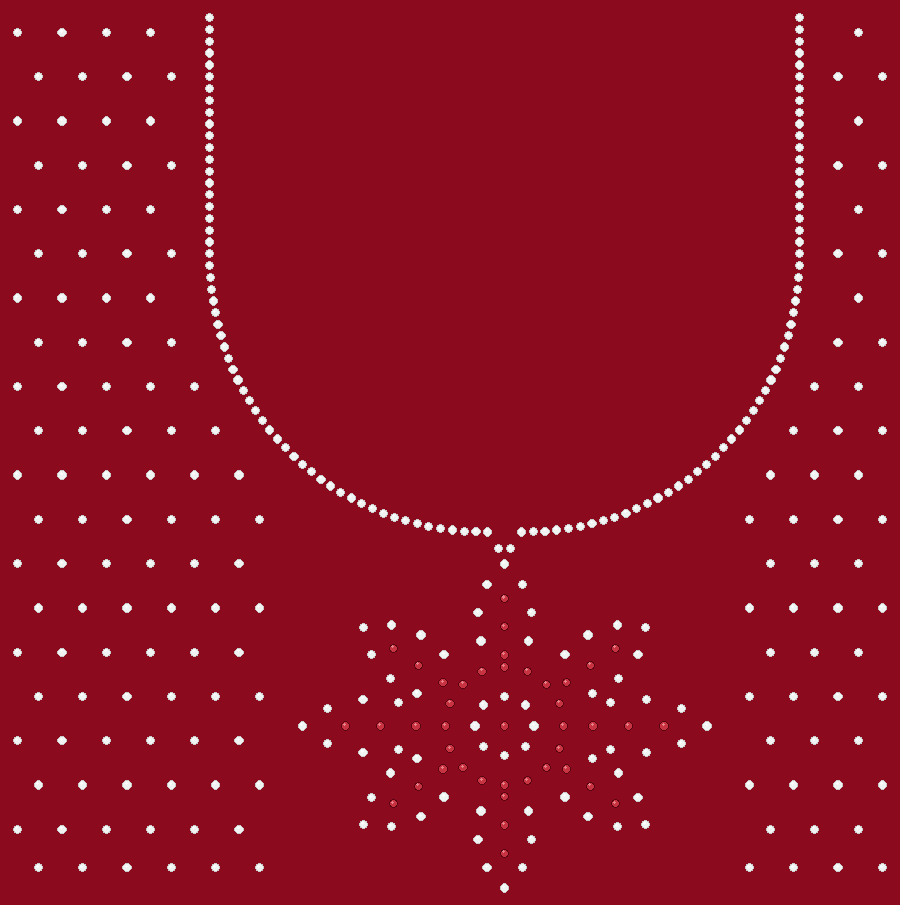 DST · machine format
Embellish
A machine file for each hooping, with a factory sheet, a bill of materials and hand-work sheets.
See the engineRuns on your machines
Choose your machine when you start. The file is written for it — its format, its needles, its hoops or frame.
Multi-head machines, up to 20 heads
The machine’s own format — DST, U01, TBF or TAP — with its trims and colour stops as it reads them.
Single-head commercial machines, 6 to 16 needles
DST, EXP, PES, JEF, TBF or TAP — the machine’s own format.
Machines with a sequin device or a borer
Sequins and boring holes written into the same file as the stitches.
Schiffli machines, 100 to 900 needles
A stitch file and its function list, fitted to the frame’s rapport, for your schiffli design software to import.
Hot-fix rhinestone setters
A setter file for rotary and linear setters, with every stone at its hopper.
Designs larger than the hoop
Split into hoopings, each its own file, overlapping at the seams so the design closes up.
How a job runs
The same four steps for every engine, from the first choice to the file on your machine.
01
Set up the job
Choose the engine, your machine and the cloth or yarn. Every decision after this is made for that setup.
02
Describe it
In your own words, or bring artwork, a photo, a sketch or a tech pack — or start from a live trend.
03
Questions first
Whatever the brief leaves open is asked before the design is drawn, never after.
04
Download the file
Your machine’s own file, read back before you get it, with the sheet your floor works from.
Running more than one floor?
Frequently asked questions
What file does my machine get?
Does it replace our digitisers?
Will small lettering sew cleanly?
Will the repeat join across my schiffli frame?
Can it make chemical lace?
Can thread and sequins go in one file?
How is PatternAI priced?
Can my whole team use it?
From a customer’s artwork to a file that sews
Free to start. Pro and Max plans available.