Quilting businesses
Edge-to-edge rows and custom blocks for your customers’ quilts — one continuous path, spaced for the batting, written for your longarm or multi-needle machine.
What a quilting business takes on
Every customer quilt gets fills that hold the batting, lines joined into one path and rows fitted to your frame — so the quilt comes off the frame as drawn.
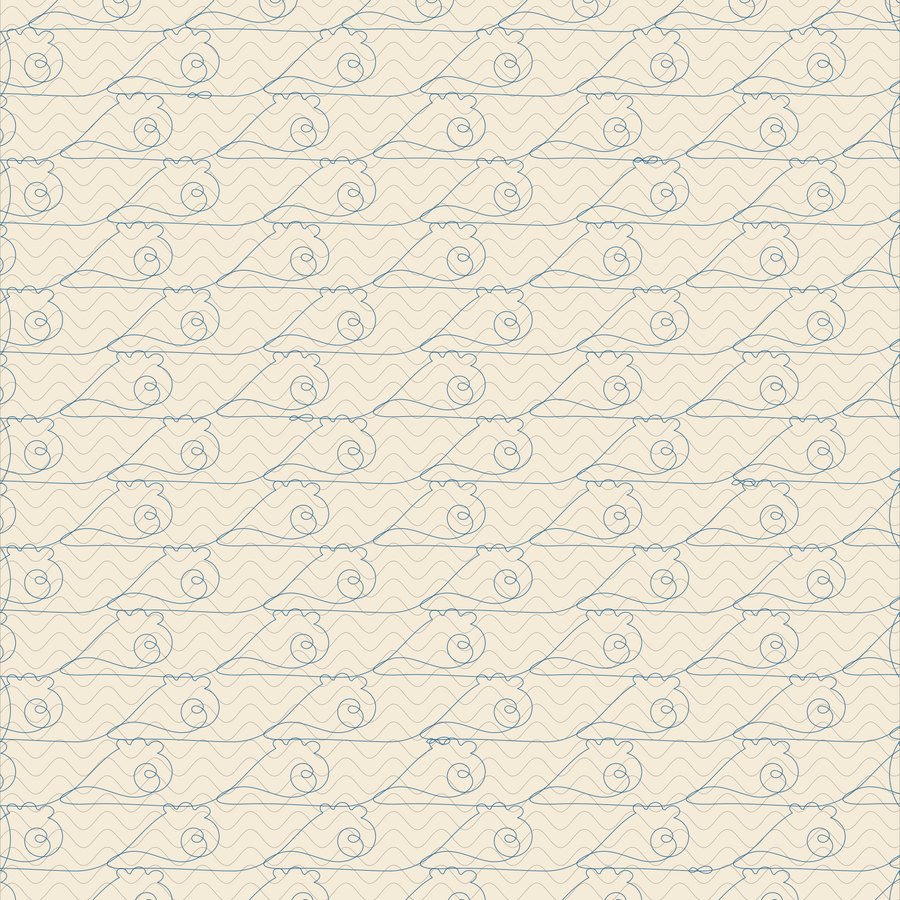
Ocean waves quilted edge to edge across a bed quilt.
- The wave drawn as a row that repeats across the quilt
- Each row meets the next, with no gaps and no overlaps
- Rows fitted to the machine’s throat as the quilt rolls on
Edge to edge or custom
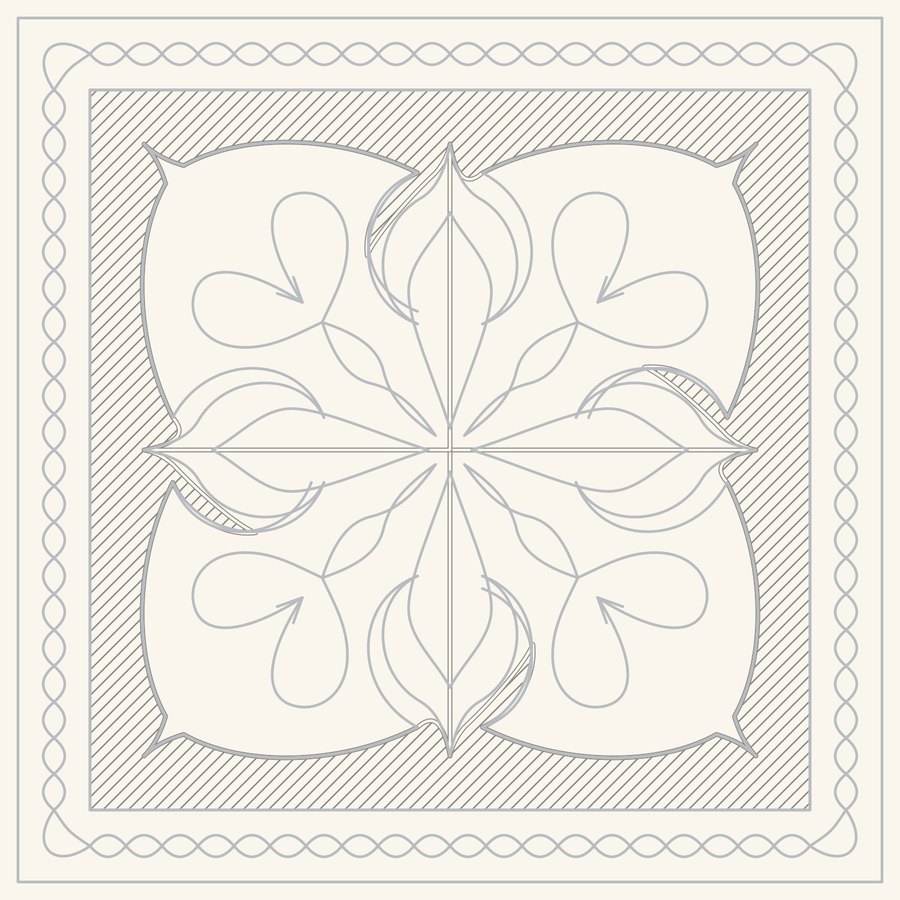
A row that repeats across the quilt, each row meeting the next with no gaps or overlaps — or blocks, borders and centres, each with its own fill.
Spaced for the batting
The quilting never runs further apart than the batting allows, and the loft you choose sets how close or open it sits.
One path, few stops
Lines join into one continuous path, with as few starts and stops as the design allows — and the sheet says how each is secured.
Fitted to your frame
Rows and blocks fitted to frames from 381 to 2,921 mm, to your machine’s throat, or to the needle pitch of a multi-needle.
What every quilt file carries
Every order is one bundle: the path your machine stitches, and what you check before loading.
DXF · machine formatQuilt file
The whole quilting path, in DXF and in your machine’s own format where it has one — QLI, IQP, HQF or PAT — read back after it is written.
Quilting sheet
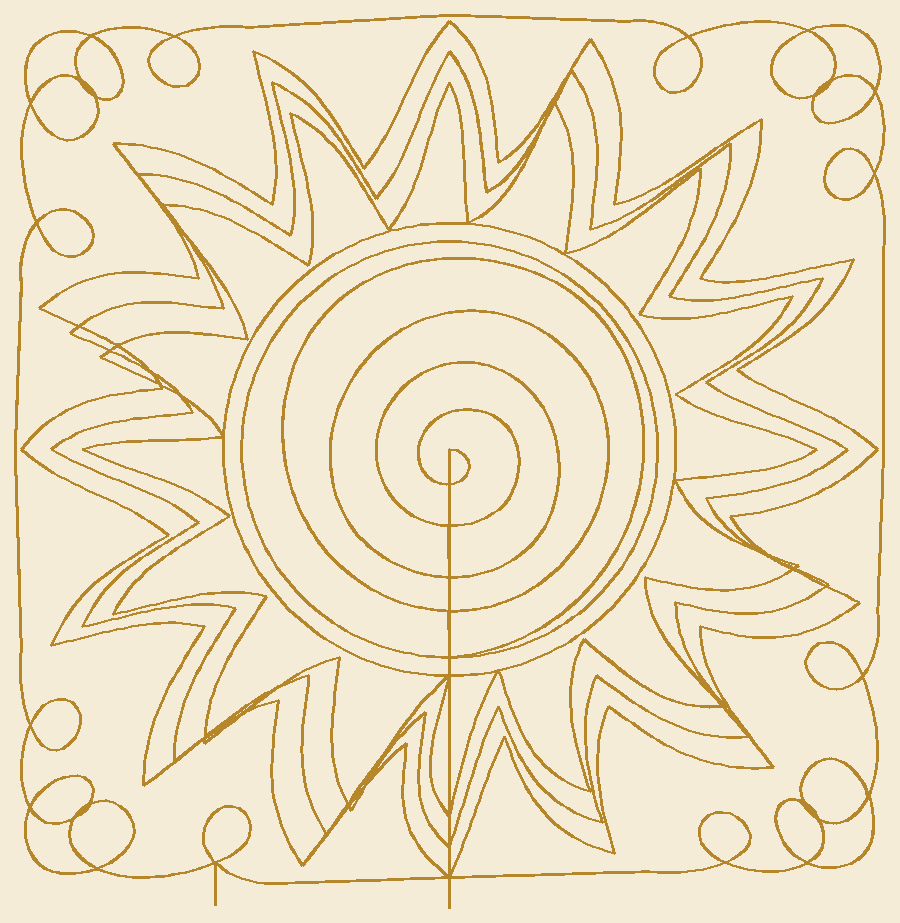
DesignSummer Sunshine
Size284 × 292 mm
Clothcotton calico, 140 gsm
Path length14.9 m
Starts and stops1
Machinelongarm, computer-guided
Quilting sheet
Size, cloth, batting, the fill of every area, the path length and the number of starts — everything the quilter checks before loading.
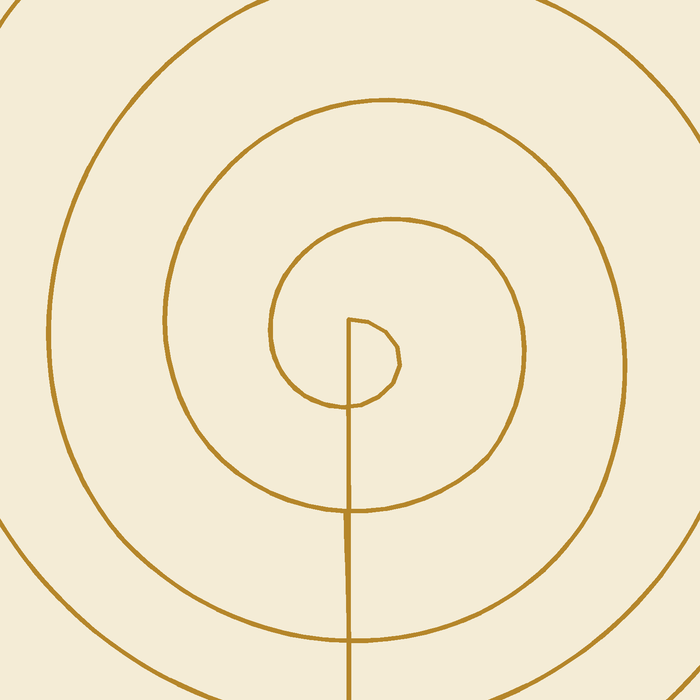 SVG
Stitch preview
The quilting drawn line by line from the file itself, so you see the path before the first pass.
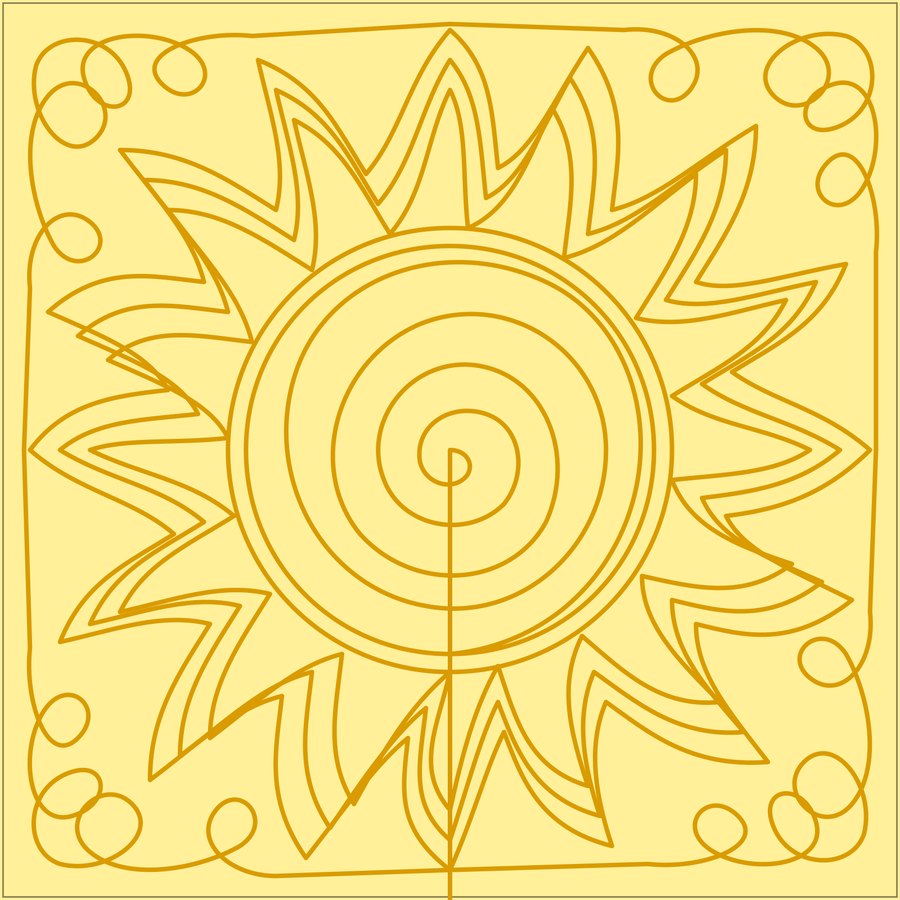 SVG · PNG
Design picture
The design as drawn, to share with the customer and to check against the stitch preview.
Runs on your machine
Choose your machine and frame when you start. The path is written for them.
Computer-guided longarm machines
DXF, and the system’s own file — QLI, IQP, HQF or PAT — where it reads one.
Multi-needle quilting machines
Rows the needle bar can sew, the repeat locked to the needle pitch.
Single-needle and midarm CNC machines
DXF, sized to the machine’s throat.
Frames from 381 to 2,921 mm
Rows and blocks fitted to the width the machine can reach as the quilt rolls on.
How a job runs
The same four steps for every engine, from the first choice to the file on your machine.
01
Set up the job
Choose the engine, your machine and the cloth or yarn. Every decision after this is made for that setup.
02
Describe it
In your own words, or bring artwork, a photo, a sketch or a tech pack — or start from a live trend.
03
Questions first
Whatever the brief leaves open is asked before the design is drawn, never after.
04
Download the file
Your machine’s own file, read back before you get it, with the sheet your floor works from.
Running more than one frame?
Frequently asked questions
What file does my machine get?
Can I quilt edge to edge?
Can I quilt custom blocks and borders?
Will the quilting hold the batting?
How many starts and stops will there be?
Can I see the quilting before I load it?
How is PatternAI priced?
Can my whole team use it?
From a customer’s quilt to the path your machine runs
Free to start. Pro and Max plans available.