
Fashion brands & designers
Turn a brief, your artwork or a live trend into designs in your brand’s own look — and the exact file each vendor runs, for print, embroidery, stones and the cut.

What a collection takes on
Each piece of a range goes to the engine that makes it, and leaves as the file its vendor’s machine runs — with the sheet that vendor works from.
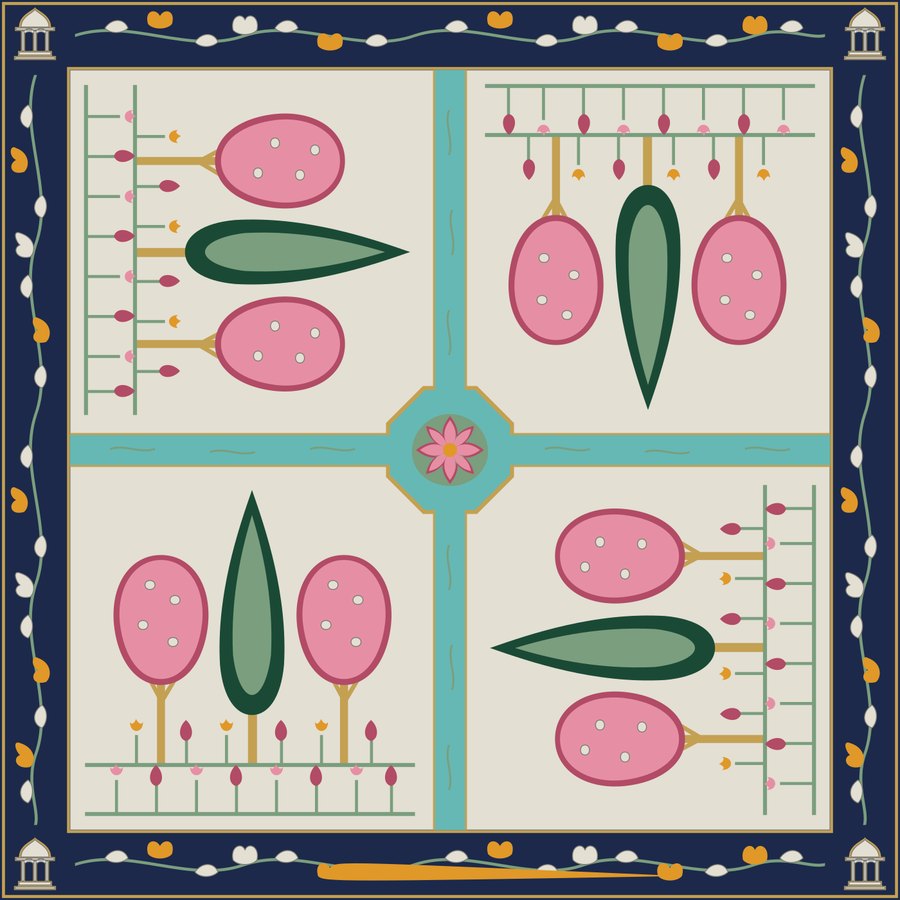
A silk scarf: a garden in four quarters inside a border, printed once, not repeated.
- Laid out as one engineered placement, printed once at full size
- Acid ink chosen for the silk
- Every colour checked against what the ink can reach on silk
- A strike-off to approve before the bulk run
Start from what is selling
Trends measures real signals every day — direction, momentum, and the colours and fabrics stores are stocking — and turns any trend into a brief you design from.
In your house’s look
Brand DNA learns your motifs, palette and proportions from your catalogue and holds every design to it, so a range reads as one hand, drop after drop.
Every colourway, its own file
Ask for colourways and each is written as its own machine file, its colours matched to real thread, ink or stone.
Files your vendors run
The print house, the embroidery unit, the stone setter and the cutting room each get their machine’s own file, read back before it leaves.
What each vendor receives
One design, four vendors. Each gets the file its machine runs and the sheet its floor works from.
 TIFF
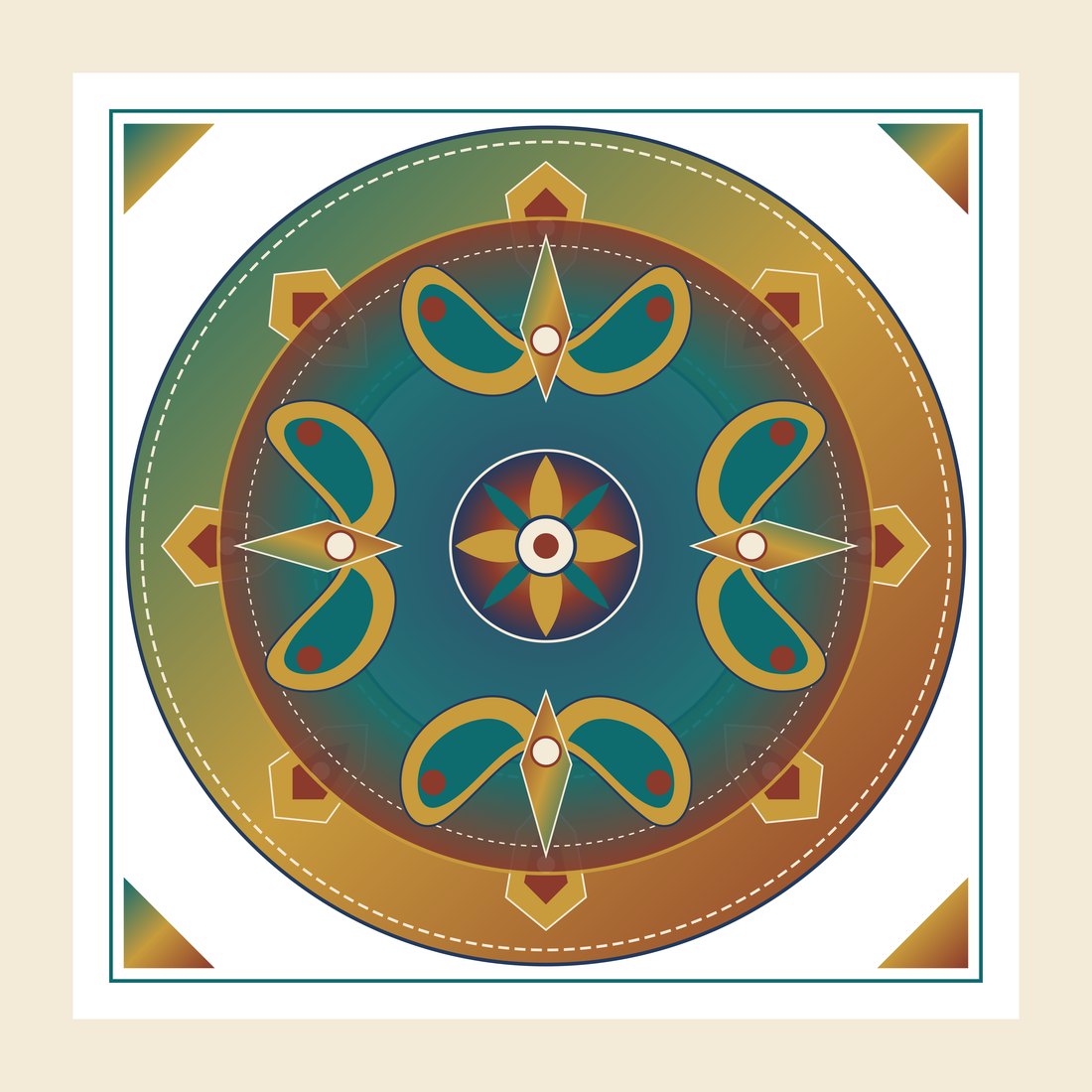
A print-ready file for your press’s inks, with a quality report, a colour card and a strike-off to approve.
See the engine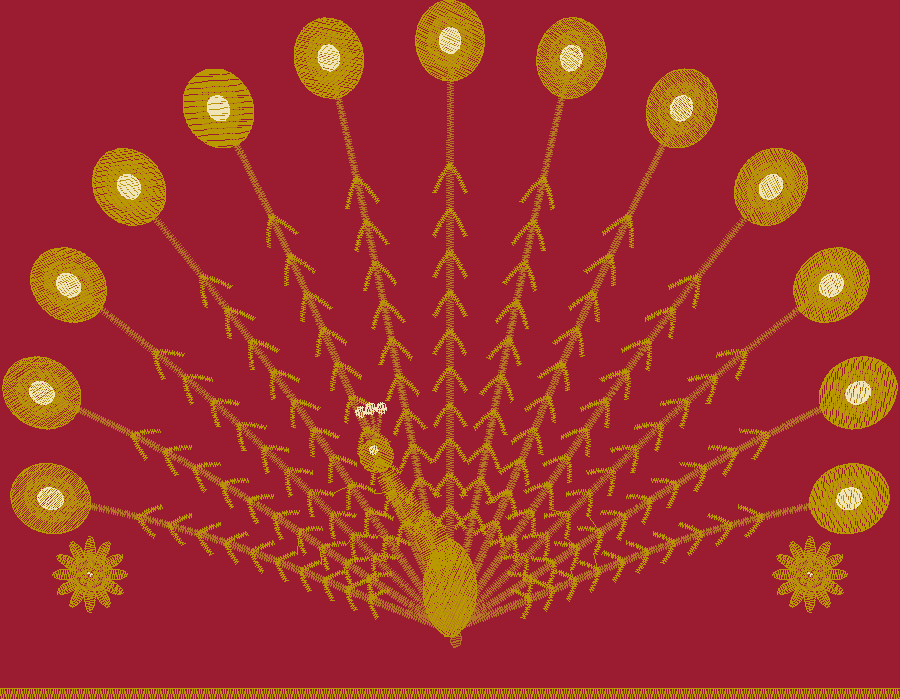 Your machine’s format
Embroidery
A stitch file in your machine’s own format, with a production sheet, a thread chart and a stitch preview.
See the engine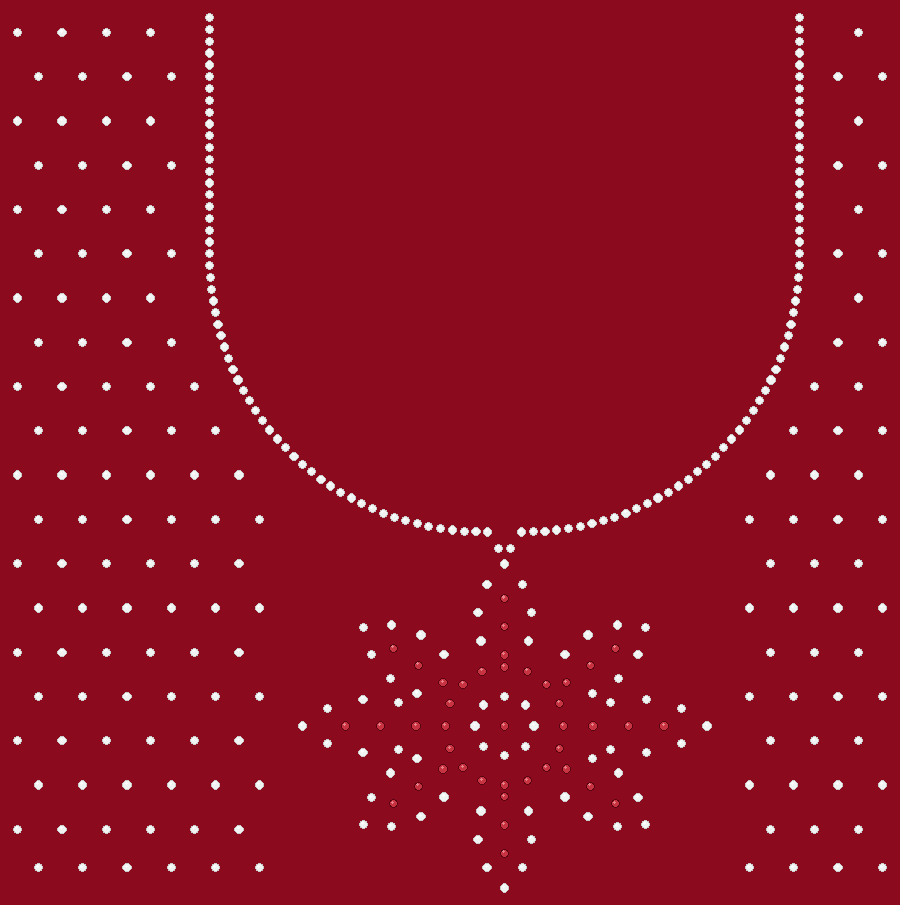 DST · machine format
Embellish
A machine file for each hooping, with a factory sheet, a bill of materials and hand-work sheets.
See the engine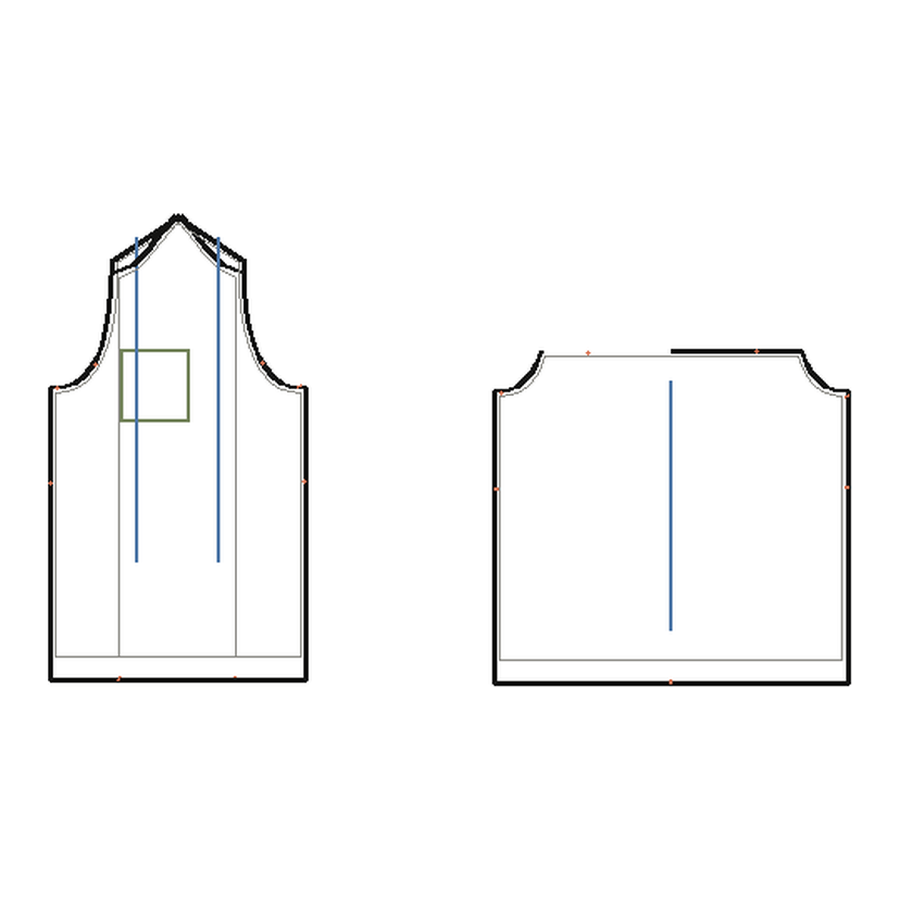 DXF · RUL
Pattern cut
DXF pieces with grading rules, the marker, cutter and plot files, and a tech pack for the first sample.
See the engineRuns on your vendors’ machines
Name the machine your vendor runs when you start. The file is written for that machine, in its own format.
Digital, sublimation and garment printers
A print-ready TIFF for the press’s own inks; a mirrored file for sublimation; a placement file with its white layer for dark garments.
Rotary, flatbed and hand-table screens
One separation per colour for the engraver, overlapped where colours meet.
Embroidery machines, multi-head to home
The machine’s own format — DST, PES, EXP, JEF, VP3, U01, TBF or TAP.
Hot-fix setters and sequin machines
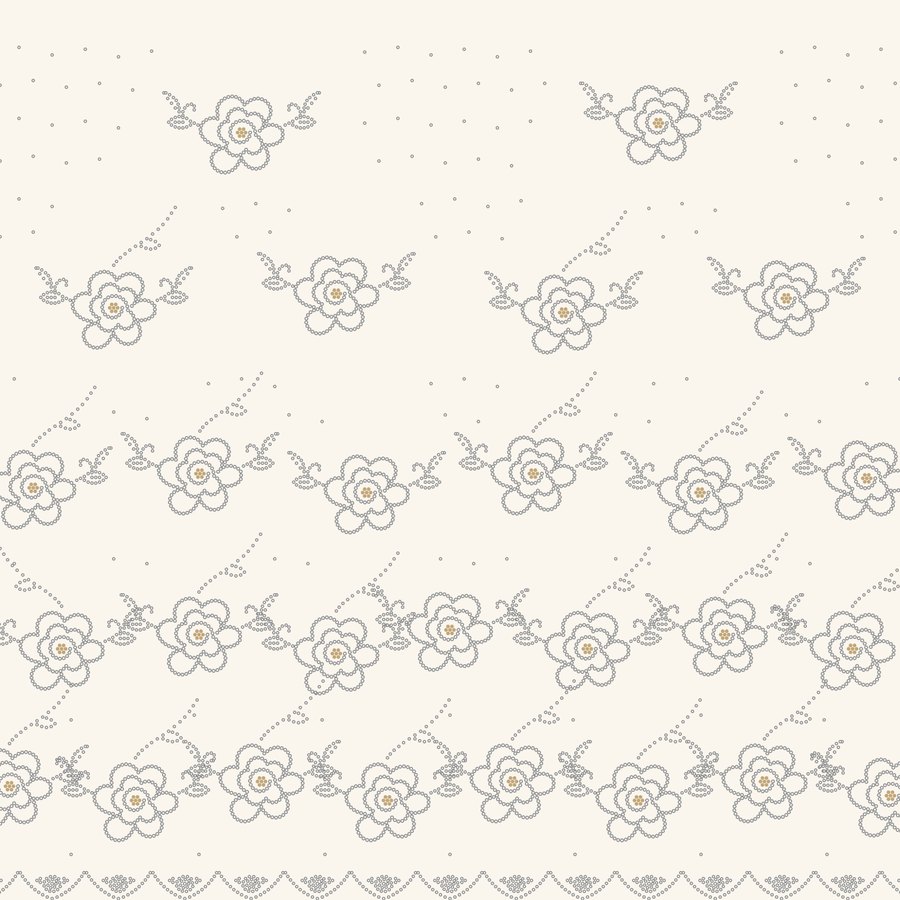
A setter file with every stone at its hopper; thread and sequins in one file.
Cutting rooms and automatic cutters
AAMA or ASTM DXF with grading rules, the marker, a cutter file and a 1:1 plot.
How a job runs
The same four steps for every engine, from the first choice to the file on your machine.
01
Set up the job
Choose the engine, your machine and the cloth or yarn. Every decision after this is made for that setup.
02
Describe it
In your own words, or bring artwork, a photo, a sketch or a tech pack — or start from a live trend.
03
Questions first
Whatever the brief leaves open is asked before the design is drawn, never after.
04
Download the file
Your machine’s own file, read back before you get it, with the sheet your floor works from.