
Garment makers & exporters
From a buyer’s tech pack, photo or sketch to drafted, graded pieces and a marker nested to your cloth — with the print, embroidery and knit files for the same order.

What an order takes on
A buyer’s brief becomes the garment and its decoration: every piece drafted and graded, the marker nested, and the print, embroidery or knit written for its machine — so the first sample sews up as the buyer asked.
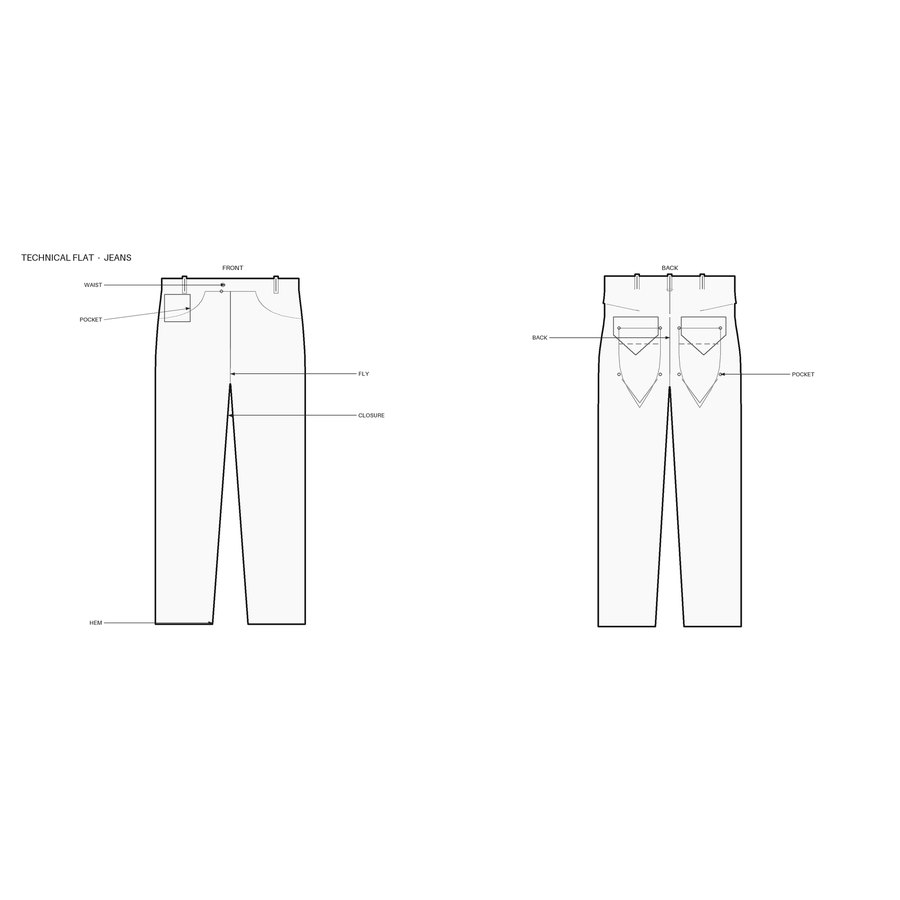
Five-pocket slim jeans: a waistband with belt loops, a button and zip fly, curved front pockets and back yokes.
- Fronts, backs, yokes, pocket bags, fly and waistband drafted as pieces
- Seam allowances, notches and grain lines on every piece
- Every size graded from the size chart
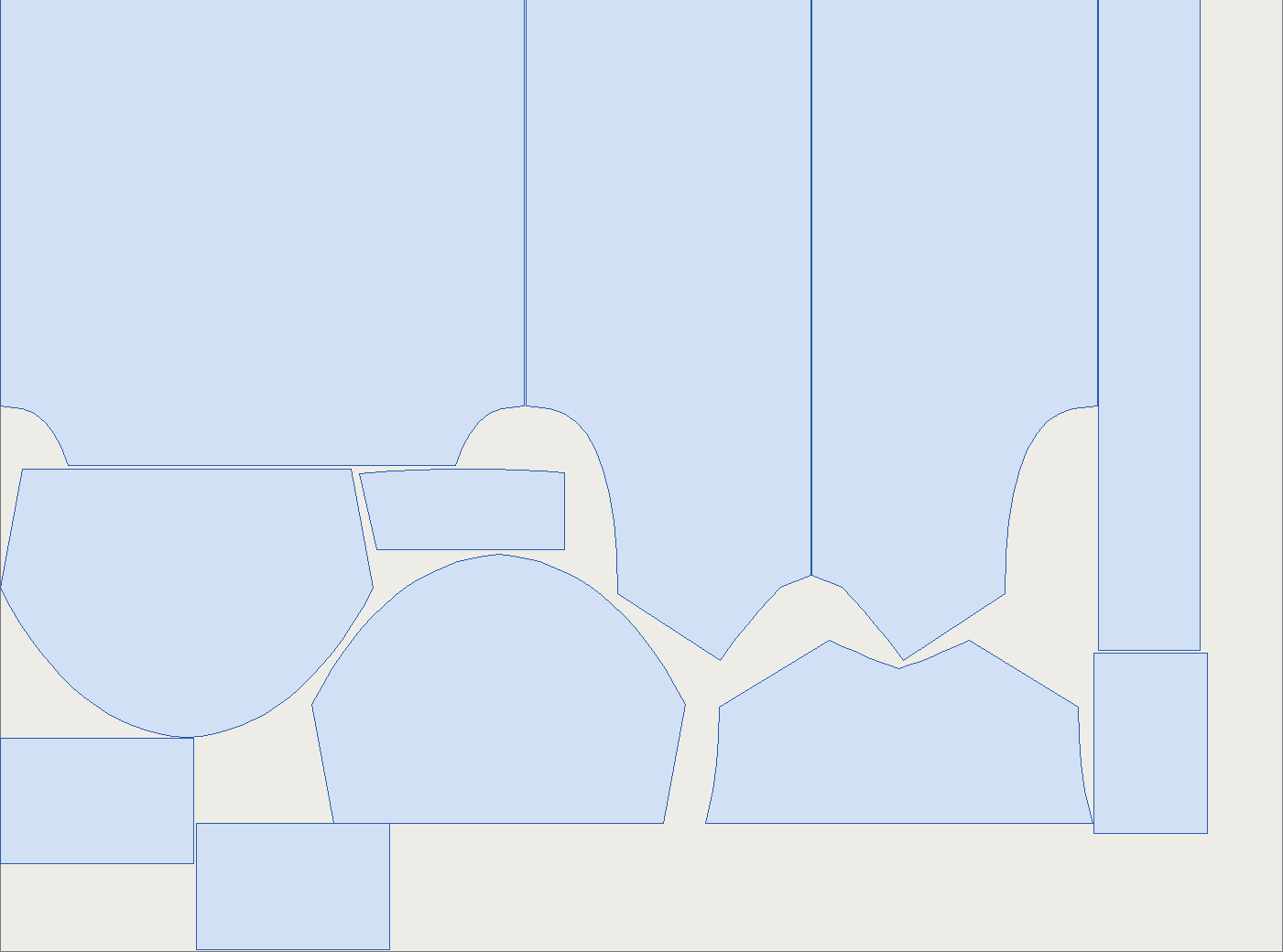
- Pieces nested on the denim’s width, one way for the twill
From any starting point
A tech pack, a photo, a flat sketch, a size chart, or your own pattern file and grading rules — 160 garments across 19 groups.
Every piece, every size
Seam allowances, notches, grain lines and labels on every piece; lining, interlining and facings drafted with the shell; every size graded.
Markers that save cloth
Pieces nested to your cloth width — one-way or two-way, folded or open, stripes and checks matched — for one size or a size ratio.
One sample, then the bulk
Every cut order carries a tech pack, a sewing sequence, a bill of materials and a first-article checklist: cut one, sew it, check it, then release the bulk.
What each department receives
The cutting room, the print house, the embroidery floor and the knitting room each get their machine’s own file from the same order.
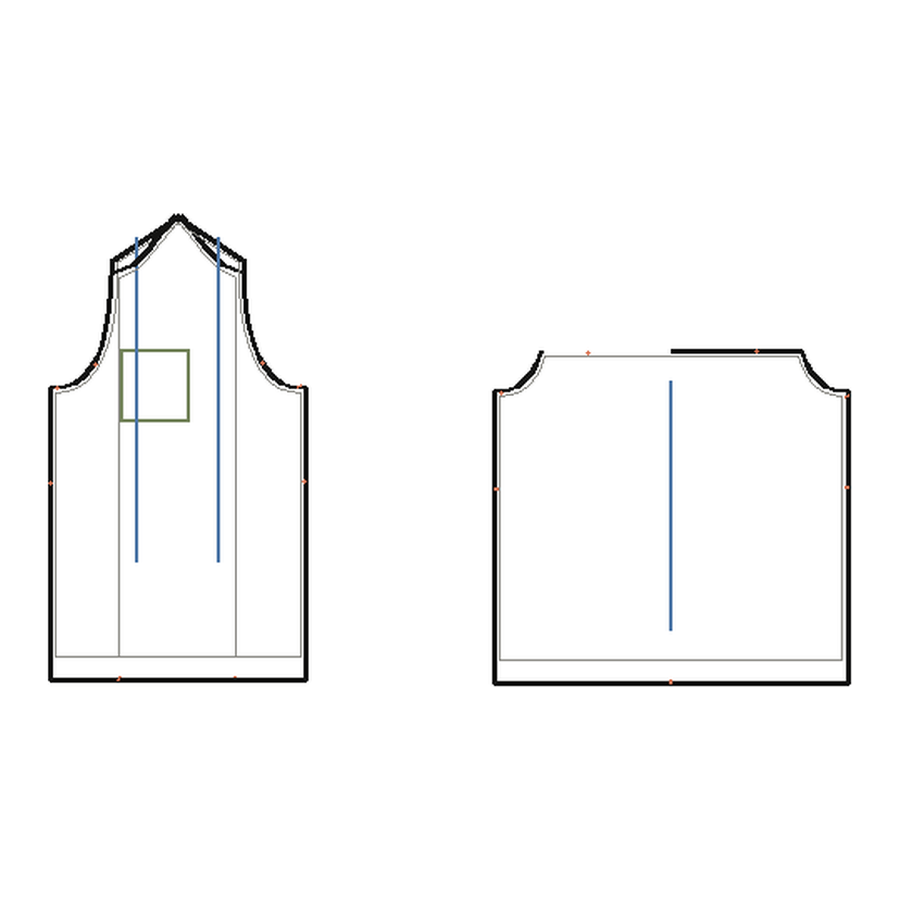 DXF · RUL
Pattern cut
DXF pieces with grading rules, the marker, cutter and plot files, and a tech pack for the first sample.
See the engine TIFF
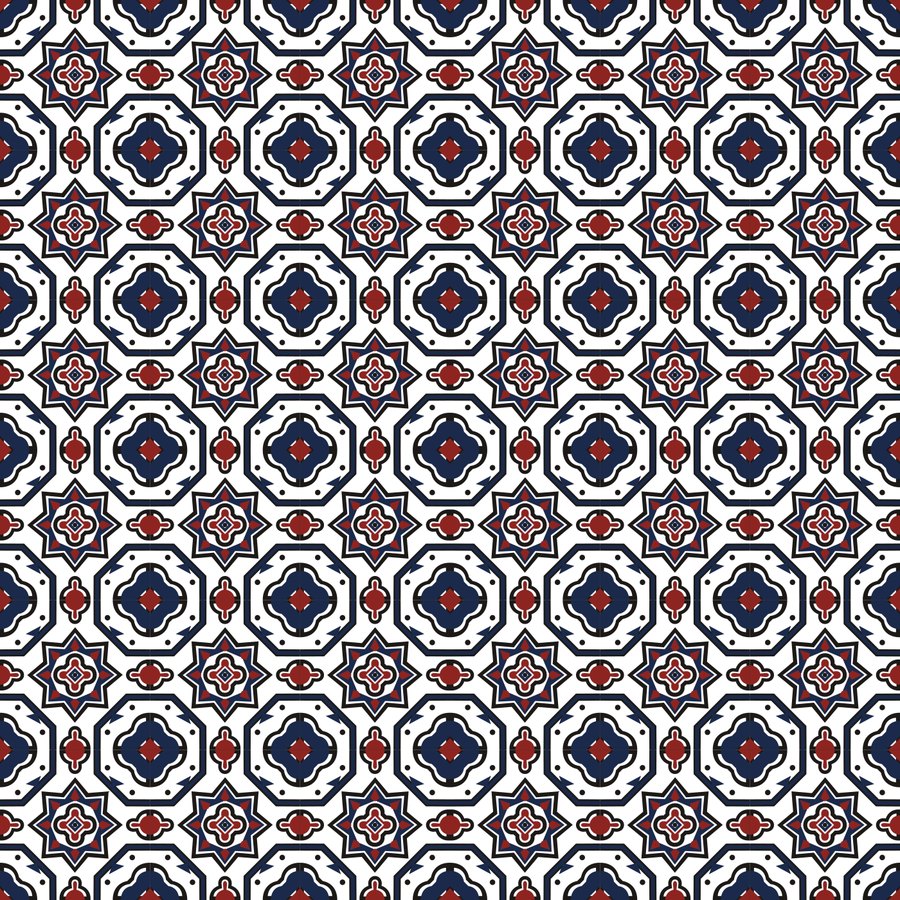
A print-ready file for your press’s inks, with a quality report, a colour card and a strike-off to approve.
See the engine Your machine’s format
Embroidery
A stitch file in your machine’s own format, with a production sheet, a thread chart and a stitch preview.
See the engine Machine program
Knit
A knitting program in your machine’s own language, with a knitting sheet, a fabric preview and a threading list.
See the engineRuns on your floor’s machines
Choose your cutter, press, embroidery or knitting machine when you start. Each file is written for that machine.
Automatic cutters
A cutter file with the knife’s path, corners and drill holes, for eight cutter types.
Pattern rooms
AAMA or ASTM DXF with grading rules, and an ISO file, ready to import.
Plotters, cutting tables and spreading
A 1:1 plot of every piece, and markers nested to your cloth width — single size or size ratio.
Printing for the same order
A print-ready TIFF for digital presses, or one separation per colour for screens.
Embroidery for the same order
The machine’s own stitch file, with a production sheet and a thread chart.
Flat knitting machines, 5 to 21 gauge
A knitting program in the machine’s own language, with a knitting sheet.
How a job runs
The same four steps for every engine, from the first choice to the file on your machine.
01
Set up the job
Choose the engine, your machine and the cloth or yarn. Every decision after this is made for that setup.
02
Describe it
In your own words, or bring artwork, a photo, a sketch or a tech pack — or start from a live trend.
03
Questions first
Whatever the brief leaves open is asked before the design is drawn, never after.
04
Download the file
Your machine’s own file, read back before you get it, with the sheet your floor works from.
Running more than one floor?
Frequently asked questions
Which garments can it draft?
Can we start from our own pattern?
Will the pieces open in our pattern software?
Does the marker match stripes and checks?
Can the designs follow a buyer’s look?
What comes with a cut order?
How is PatternAI priced?
Can my whole team use it?
From a buyer’s brief to the files your floor runs
Free to start. Pro and Max plans available.