Prompt library · Generative AI
Jacket AI photoshoot prompts
Detailed prompts for photographing your jacket on a model. Upload your garment, paste a prompt, and get the catalogue image or a 15-second video — the garment stays exactly as it is.
Prompt
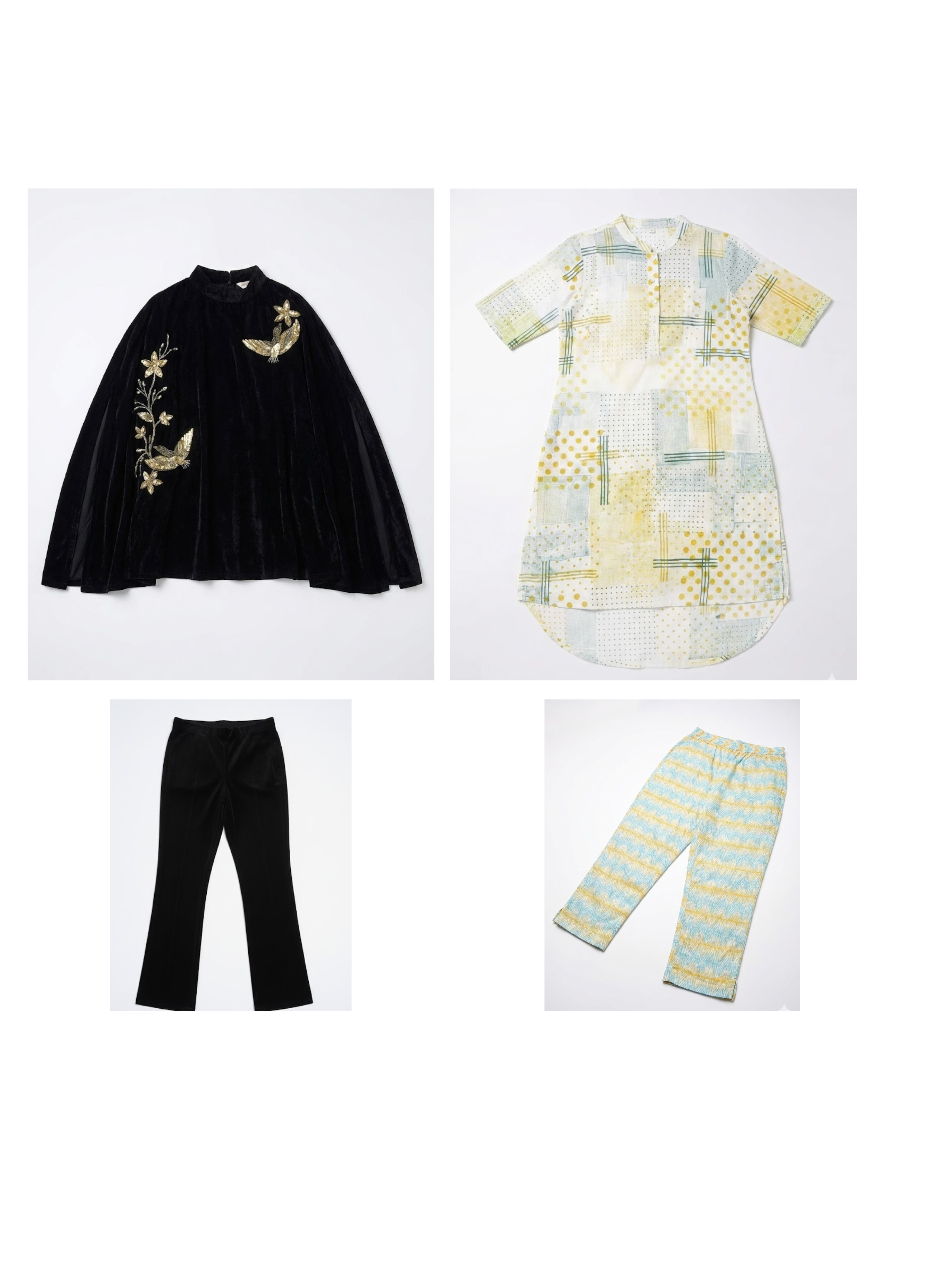
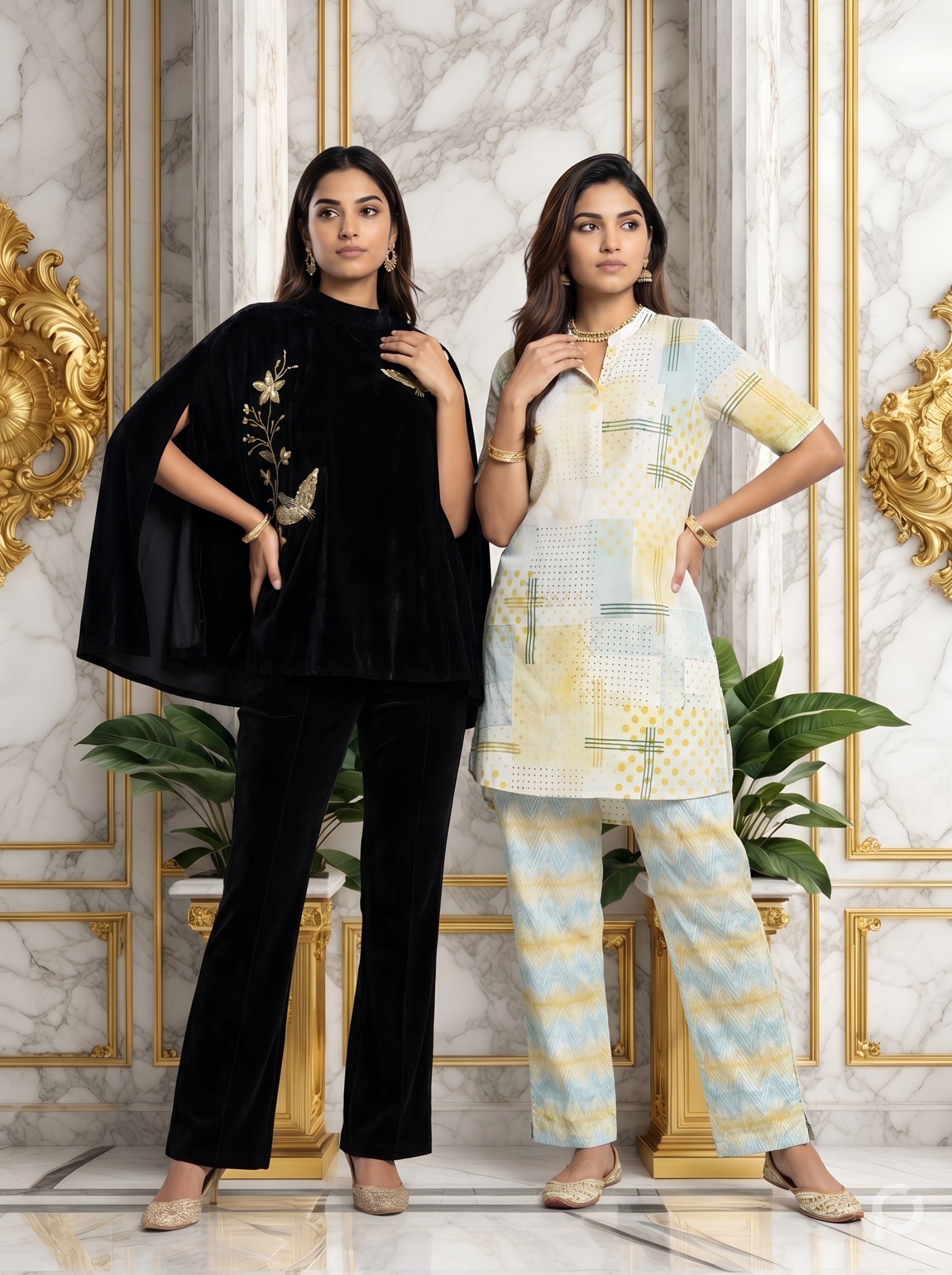
My jacket worn open over a plain white tee on a model, a front pose with hands relaxed by the sides so the front, the zips and the pockets are fully visible. Plain studio background, soft even light. Keep the colour, zips, pockets and stitching exactly as in my photo.
What a photoshoot prompt should say
Four things steer the shoot. Describe them the way you would brief a photographer — and leave the garment to your photo.
01
Your garment
Upload it as a flat-lay, ghost-mannequin, hanger or packshot photo. It stays exactly as it is.
02
The model and pose
Front, three-quarter, back, walking, seated, twirling — one model or up to four.
03
The scene and light
Studio, outdoor, runway, beach, luxury or gradient — and the time of day.
04
The output
A catalogue image, a group image of up to four models, or a 15-second video.
Weak prompt
Jacket photo.
Leaves the model, the pose, the scene and the light to chance.
Strong prompt
My jacket worn open over a plain white tee on a model, a front pose with hands relaxed by the sides so the front, the zips and the pockets are fully visible. Plain studio background, soft even light. Keep the colour, zips, pockets and stitching exactly as in my photo.
Sets the model, pose, scene and light — and keeps the garment exactly as it is.
10 jacket prompts, ready to copy
Each one is a full shoot brief. Copy it, change the scene or the light to your own, and paste it into PatternAI.
Catalogue shots
3 prompts
01
My jacket worn open over a plain white tee on a model, a front pose with hands relaxed by the sides so the front, the zips and the pockets are fully visible. Plain studio background, soft even light. Keep the colour, zips, pockets and stitching exactly as in my photo.
02
My jacket zipped up, a three-quarter view, the model turned slightly with one hand in a pocket and the collar up. Plain studio background, soft light from one side so the fabric texture and seams show.
03
A back view of my jacket to show the cut and any back detail, and a second close crop of the front pockets and zip pulls. Soft side light to bring out the texture of the fabric, plain studio background, sharp focus.
Lifestyle
4 prompts
04
My denim jacket on a model walking across a city bridge at golden hour, one hand on the strap of a backpack, warm light from the side and the river blurred below. Relaxed, cool and easy.
05
My leather-look jacket on a model sitting on a motorcycle on an evening street, helmet resting on the tank, city lights blurred behind. Moody, warm street light. Bold and edgy, the shine of the jacket clear.
06
My puffer jacket on a model standing in snowy mountains, breath visible in the cold air, hands in pockets and the hood down. Bright, crisp light reflecting off the snow. Fresh, outdoorsy and warm.
07
My bomber jacket on a model walking through a bright airport terminal with a small cabin bag, large windows and planes blurred behind. Bright daylight through the glass. Smart, travel-ready and modern. The jacket kept exactly as in my photo.
Groups and video
3 prompts
08
Three jackets from my collection on three models standing together on an urban street with a brick wall behind, each jacket fully visible from the collar to the hem. Soft daylight, a cool city mood.
09
A 15-second video of my jacket: the model walks toward the camera, stops and opens the jacket to show the lining, then zips it up again. Plain studio background, smooth movement. The lining and the zip should be clearly visible when the jacket opens.
10
The same model across all the jackets in my collection, with the same full-length pose, the same studio background and the same soft light in every image, so only the jacket changes. Clean and consistent for my website catalogue.
Prompts for other garments
Catalogue, lifestyle, festive and wedding briefs for every garment you sell.
- Saree prompts
- Lehenga prompts
- Kurta prompts
- Sherwani prompts
- Salwar Kameez prompts
- Anarkali prompts
- Blouse prompts
- Dupatta prompts
- Palazzo prompts
- Sharara prompts
- Kurti prompts
- Abaya prompts
- Dress prompts
- Gown prompts
- Shirt prompts
- T-Shirt prompts
- Hoodie prompts
- Jeans prompts
- Suit prompts
- Swimwear prompts
- Wedding Dress prompts
- Sportswear prompts
- Jewellery and Accessories prompts
Shoot your jacket
Try PatternAI free for 7 days. After that you pay only for what you produce.
Paste a prompt
Upload your garment, paste any prompt above, and get the image or the video.
Start free