
Prompt library · Generative AI
Shirt AI photoshoot prompts
Detailed prompts for photographing your shirt on a model. Upload your garment, paste a prompt, and get the catalogue image or a 15-second video — the garment stays exactly as it is.
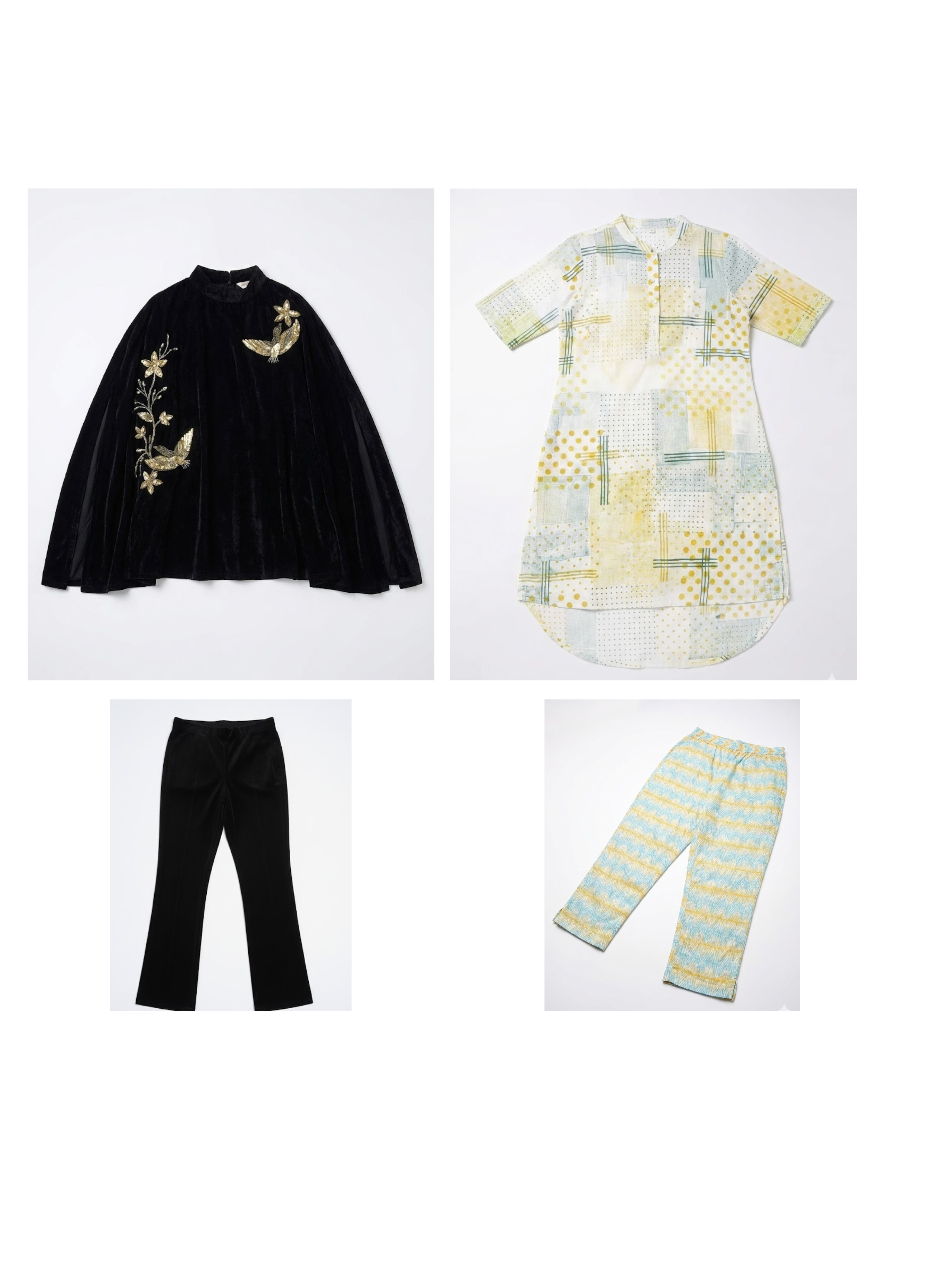
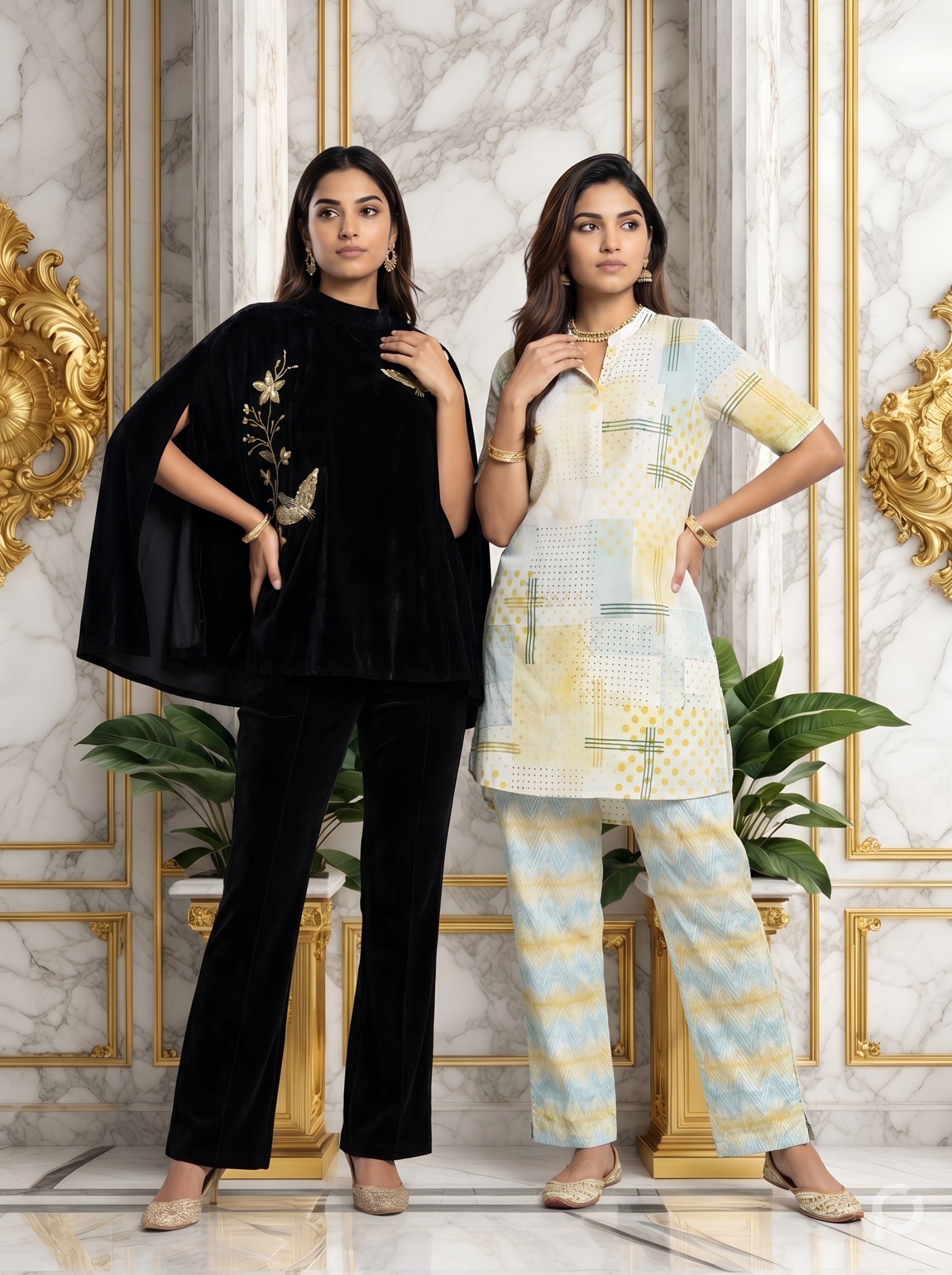
Prompt
My men’s shirt tucked into plain navy trousers on a model, a waist-up front pose, shoulders square and arms relaxed. White studio background, soft even light, camera at chest height. Keep the colour, collar, buttons and fabric texture exactly as in my photo.
What a photoshoot prompt should say
Four things steer the shoot. Describe them the way you would brief a photographer — and leave the garment to your photo.
01
Your garment
Upload it as a flat-lay, ghost-mannequin, hanger or packshot photo. It stays exactly as it is.
02
The model and pose
Front, three-quarter, back, walking, seated, twirling — one model or up to four.
03
The scene and light
Studio, outdoor, runway, beach, luxury or gradient — and the time of day.
04
The output
A catalogue image, a group image of up to four models, or a 15-second video.
Weak prompt
Shirt photo.
Leaves the model, the pose, the scene and the light to chance.
Strong prompt
My men’s shirt tucked into plain navy trousers on a model, a waist-up front pose, shoulders square and arms relaxed. White studio background, soft even light, camera at chest height. Keep the colour, collar, buttons and fabric texture exactly as in my photo.
Sets the model, pose, scene and light — and keeps the garment exactly as it is.
10 shirt prompts, ready to copy
Each one is a full shoot brief. Copy it, change the scene or the light to your own, and paste it into PatternAI.
Catalogue shots
3 prompts
01
My men’s shirt tucked into plain navy trousers on a model, a waist-up front pose, shoulders square and arms relaxed. White studio background, soft even light, camera at chest height. Keep the colour, collar, buttons and fabric texture exactly as in my photo.
02
A full-length pose with the shirt sleeves rolled to the elbow, one hand in a trouser pocket and a relaxed stance. Plain studio background and soft light, catalogue framing from head to toe, so the fit through the body is clear.
03
A close crop of my shirt from the chin to the chest, to show the collar, the buttons and the weave of the fabric. Soft side light so the texture of the cotton shows, a plain background, sharp focus, for the detail image on my product page.
Lifestyle
4 prompts
04
My formal shirt on a model standing by a large window in a glass office, looking out over the city with a coffee cup in one hand. Bright, clean daylight from the window, desks blurred behind. Smart, calm and professional.
05
My linen shirt on a model at a beach shack, sitting on a wooden stool with the sleeves rolled up and a cold drink on the counter, the sea behind. Warm afternoon sunlight and a light breeze. Relaxed, easy and summery.
06
My printed shirt on a model sitting at a street café table, laughing with a friend just out of frame, a coffee on the table. Soft daylight, the street gently blurred. Casual, fun and full of character, the print sharp and true.
07
My denim shirt on a model leaning against a painted brick wall on a city street, one foot against the wall and hands in pockets. Soft afternoon light from the side. Cool, confident and relaxed.
Groups and video
3 prompts
08
Six shirts from my collection on one model, each in the same waist-up front pose with the same white studio background and soft light, for a clean catalogue grid where only the shirt changes.
09
A 15-second video of my shirt: the model walks toward the camera, stops, adjusts one cuff, and looks up with a slight smile. Plain studio background, smooth movement, the fabric falling naturally. Keep the colour and the collar exactly as in my photo, for a product page video.
10
I am uploading my shirt as a folded packshot. Show it worn on a model, tucked into plain trousers, waist-up and facing the camera, on a plain background with soft even light. No changes to the shirt — same colour, collar, buttons and fabric.
Prompts for other garments
Catalogue, lifestyle, festive and wedding briefs for every garment you sell.
- Saree prompts
- Lehenga prompts
- Kurta prompts
- Sherwani prompts
- Salwar Kameez prompts
- Anarkali prompts
- Blouse prompts
- Dupatta prompts
- Palazzo prompts
- Sharara prompts
- Kurti prompts
- Abaya prompts
- Dress prompts
- Gown prompts
- T-Shirt prompts
- Hoodie prompts
- Jacket prompts
- Jeans prompts
- Suit prompts
- Swimwear prompts
- Wedding Dress prompts
- Sportswear prompts
- Jewellery and Accessories prompts
Shoot your shirt
Try PatternAI free for 7 days. After that you pay only for what you produce.
Paste a prompt
Upload your garment, paste any prompt above, and get the image or the video.
Start free